Plugs
This tab shows the number of plugs available on a PDU. This item can be linked to a rack or an enclosure
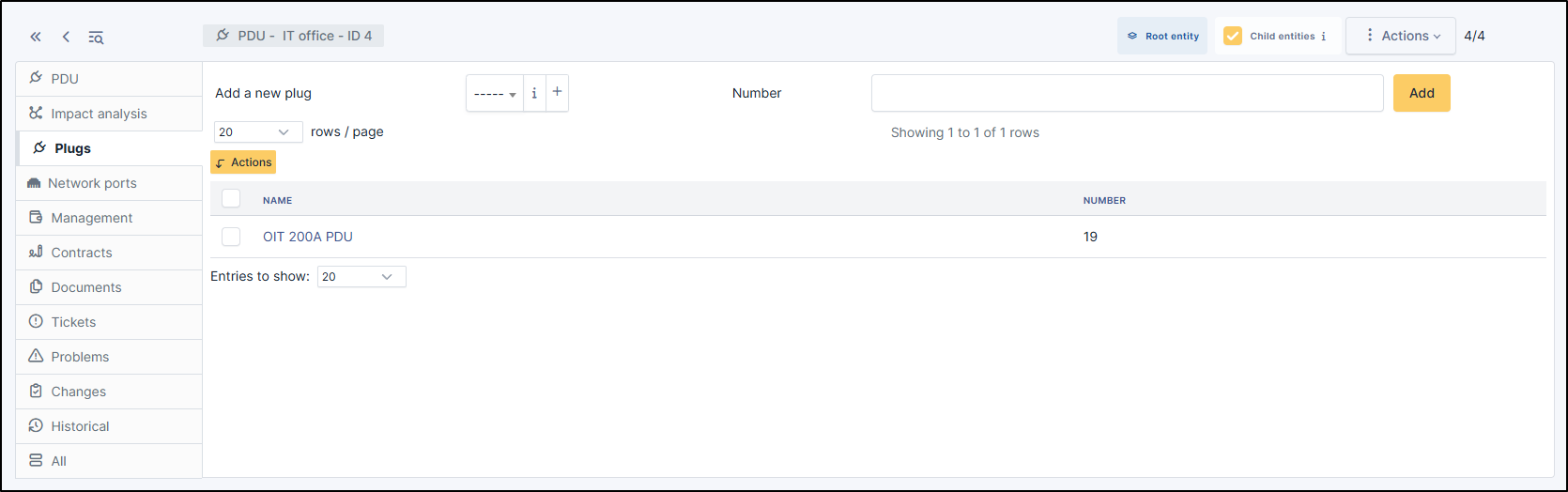
Add a plug
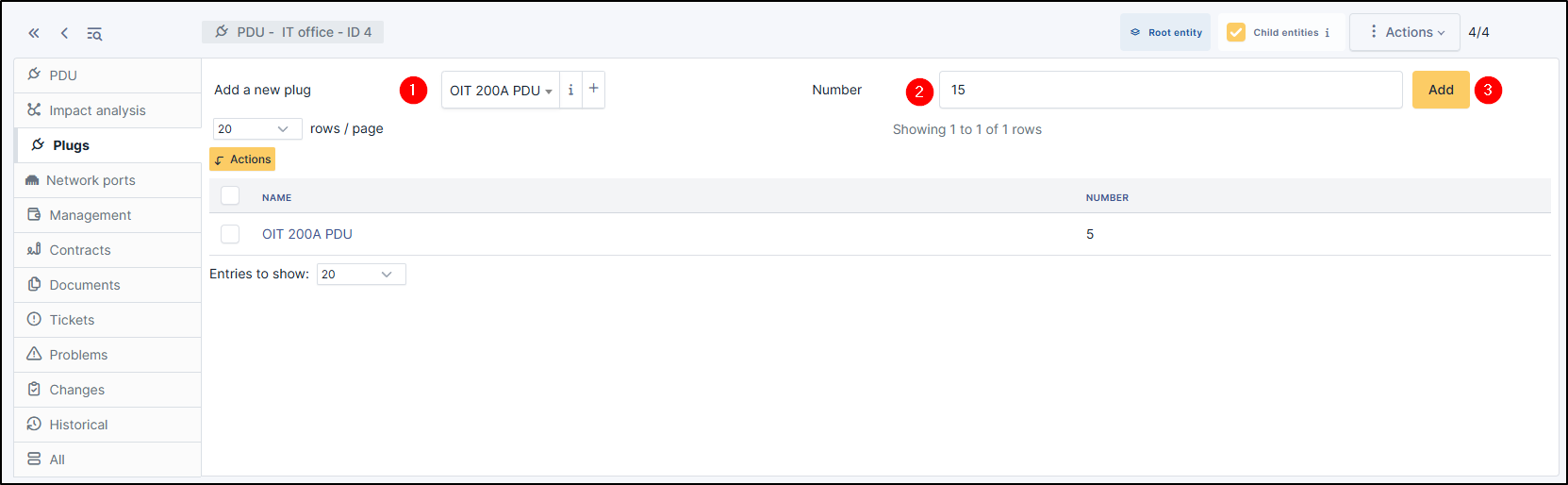
To add a plug on PDU, choose the type of plug you require from the drop-down list
Select a number of plugs available on the PDUs
Click on Add
Note
you can use the same plug model several times
Delete a plug
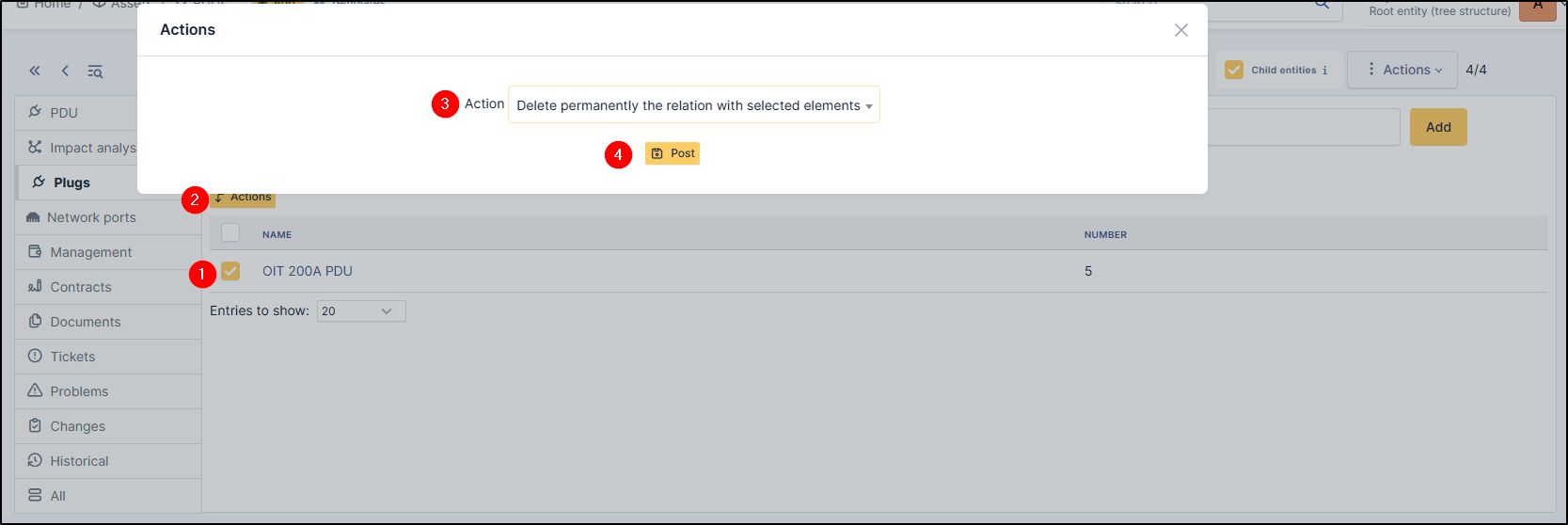
To delete a plug, use the massive action :
Select the plug
Click on Actions
Select Delete permanently the relation with selected elements
Click on Post
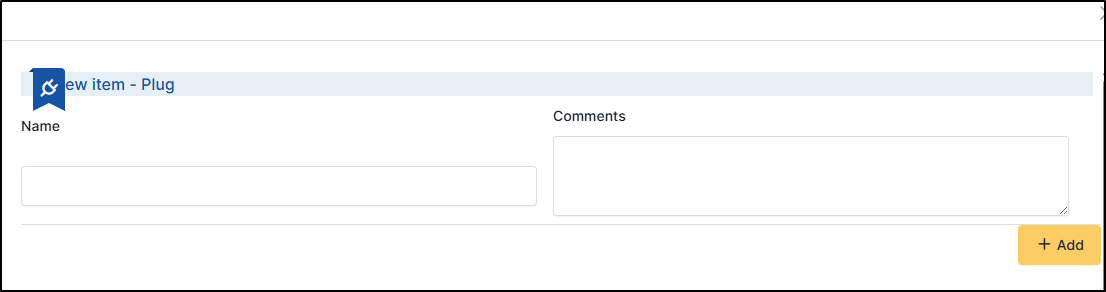
Create a plug
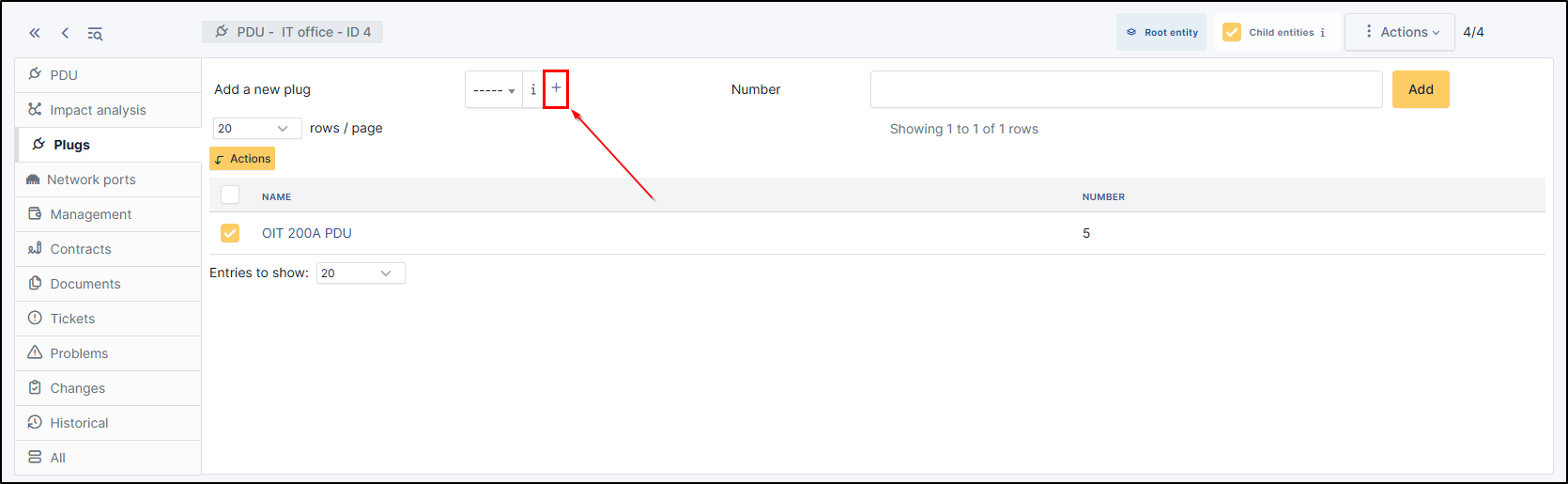
If the plug model you want is not available, you can create a new one.
Click on +
Fill in the fields
Click on +Add
Note
You can find a list of all your plugs in Setup > Dropdowns > Plugs