Sockets
Sockets are the list of physical sockets present on the hardware. These sockets can be Ethernet, USB, HDMI, etc. This information cannot be returned by the automatic inventory, so you have to add it manually.
It enables hardware to be linked by cables. Socket is also linked to the cables object
You can add them either in bulk or one by one.
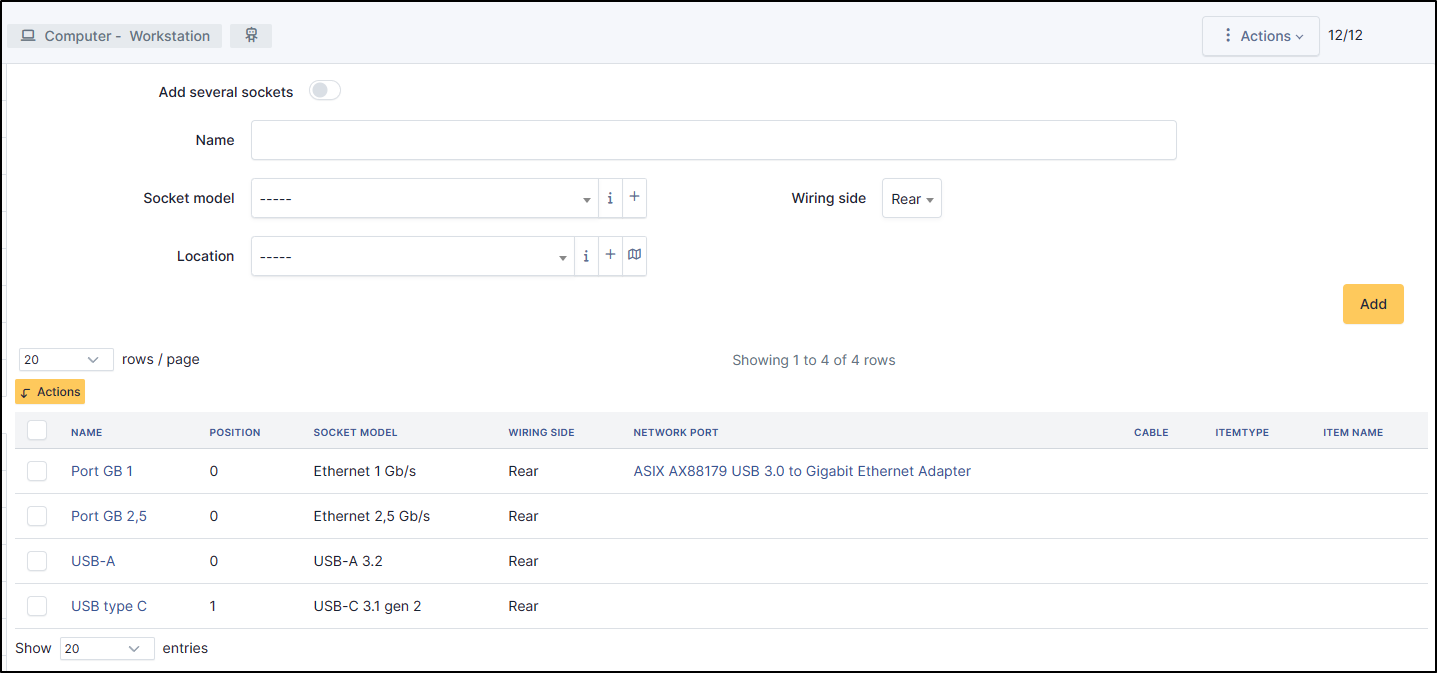
Add a socket
To add a socket, enter a name,
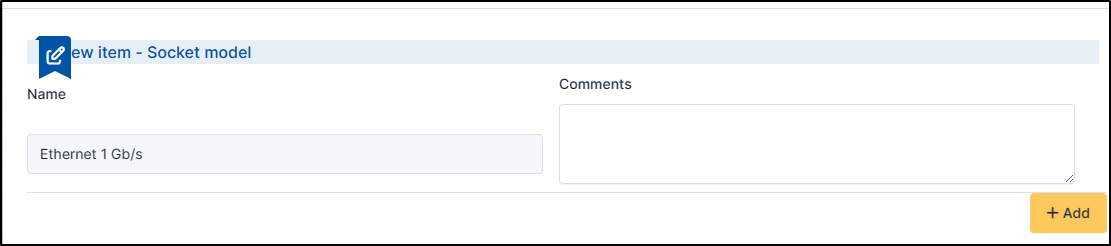
Select the socket model. You can add them by clicking on +.
Select the location
Define the wiring side (rear or front)
Click on Add to save your socket

To add several sockets, repeat the above actions but tick the Add several sockets box. You can add a prefix or suffix to help you to identify the sockets

Advanced Setup
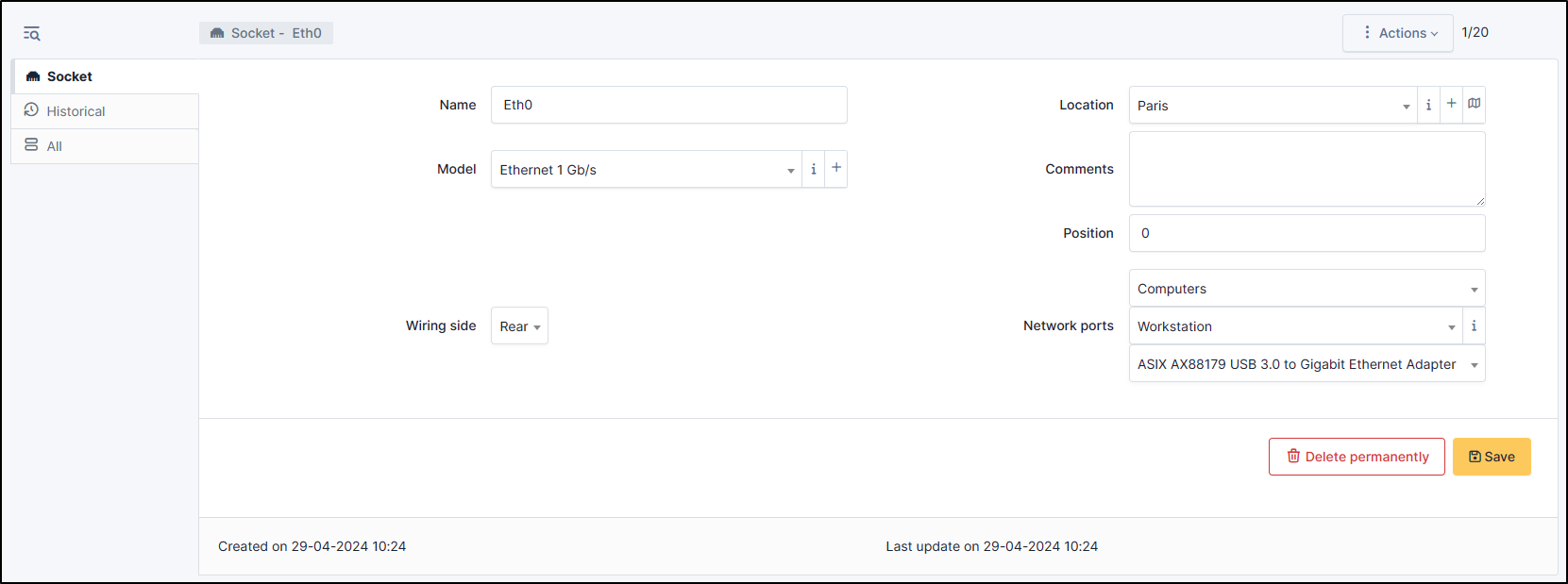
When the socket is validated, you can setup the advanced options.
Add a position if needed
when you add a socket via the machine directly, it will be preselected, otherwise select the desired hardware type
Select the machine you require
Then, select the hardware on which the socket is present (generally a network card)
Astuce
In the case of a bulk addition, you will need to select each socket and add the information to it
Note
To connect this computer to an other equipment, go to cables