Software
This field displays the list of applications installed on a machine (computer, network equipment, etc.).
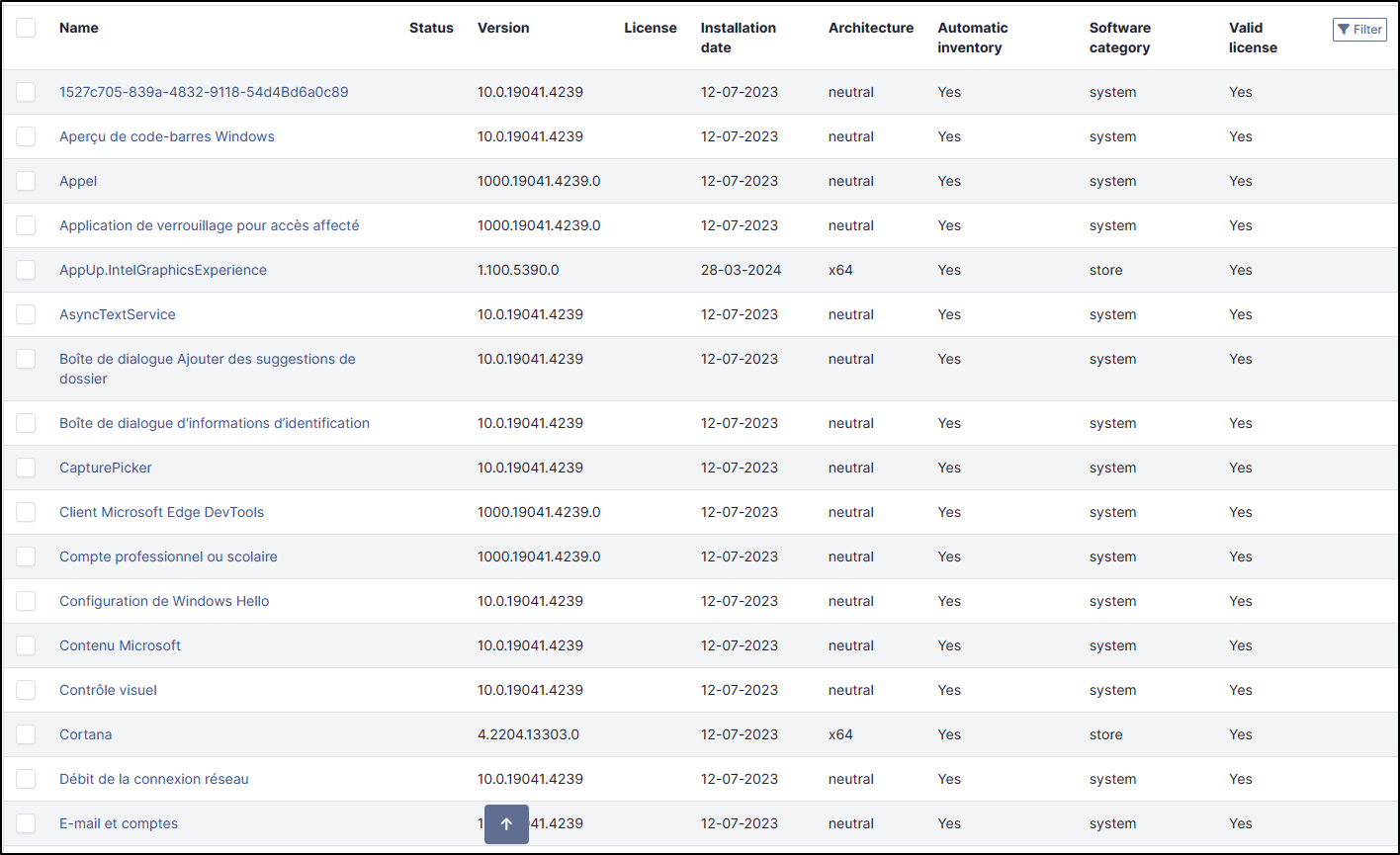
Install a Software
You can install new software from the list of existing applications
In software field, select the desired application,
Select the version
click on install

Delete a software
You can delete one or more software, you can select the check box, and click on Actions and select Delete permanently.
If you make a mistake, you can always go back to the previous step to add it again
Note
If you need to add or modify a software (not already present in the list), you need to go to the Assets > Software tab.