Locks
Locks prevent certain information from being modified during automatic inventory feedback. These locks are activated when a manual modification has been made.
Lock a field
To lock a field, you need to modify the data of this field manually.
When a field is modified manually, a padlock appears next to the title :

Unlock a field
To unlock a field, go to the GLPI object on which the lock is located
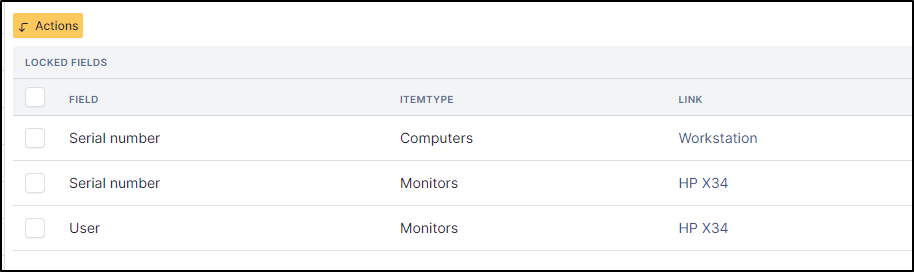
In the lock tab, click on the checkbox of the item to unlock
Click on Actions
Then Delete permanently
And Post
The padlock is no longer present on the field and can now be modified by the automatic inventory.
All changes will be stored in the historical tab.