SNMP Credentials
SNMP Credentials are parameters used to enable GLPI to interact with network devices through the SNMP (Simple Network Management Protocol). They are used to automatically retrieve information about devices for inventory.
Role of SNMP Credentials in GLPI
Device Identification
GLPI uses SNMP Credentials to query a network device (such as a switch, router, or printer) and retrieve specific details (name, firmware version, IP address, etc.).
Data Collection
Credentials allow GLPI to collect data such as:
Port status.
MAC and IP addresses.
Hardware details (model, manufacturer, software version, etc.).
Automated Inventory
With SNMP enabled, GLPI can automatically enrich the inventory of devices without manual input.
Main SNMP Credentials in GLPI
SNMP Community Name
A « key » shared between the client (GLPI) and the device, used for authentication. Default:
public (read-only)
private (read/write).
SNMP Version
GLPI supports multiple versions of SNMP:
SNMP v1: Basic version, no security.
SNMP v2c: Improved performance, still without strong security.
SNMP v3: Advanced security (authentication and encryption).
Astuce
For SNMP v3, user credentials with authentication and encryption keys are required. Wherever possible, we recommend this method as it is safer.
OID (Object Credentials)
Used to specify the information GLPI wants to query (e.g., sysDescr, sysName, interfaces, etc.).
Device IP Address or FQDN
GLPI uses this information to target a specific device.
Configuring SNMP Credentials in GLPI
Enable the SNMP Module
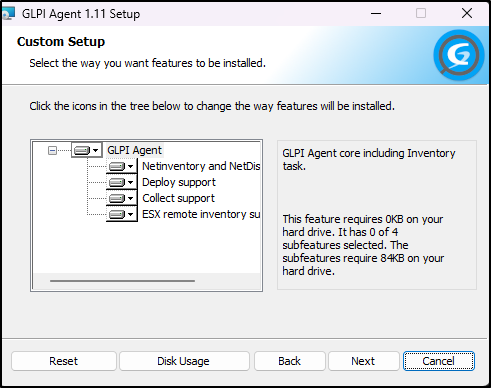
Ensure that support for the target agent is activated
Set up SNMP Credentials
In Administration > Inventory > SNMP Credentials, you can add or modify specific parameters.